✦ Version 1.0.7 Now Available

Break the screen.
Keep the focus.

A beautiful, minimalist desktop break reminder built to enforce healthy habits. Elegant glassmorphic design, immersive fullscreen overlays, and a procedural mascot companion.

Window Icon Goofy Focus
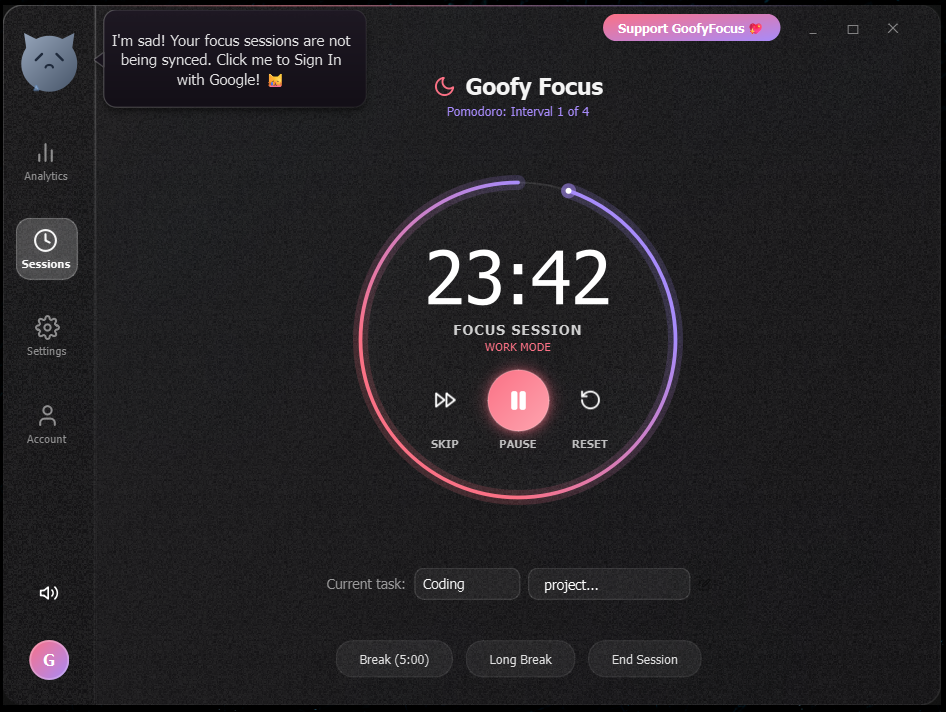
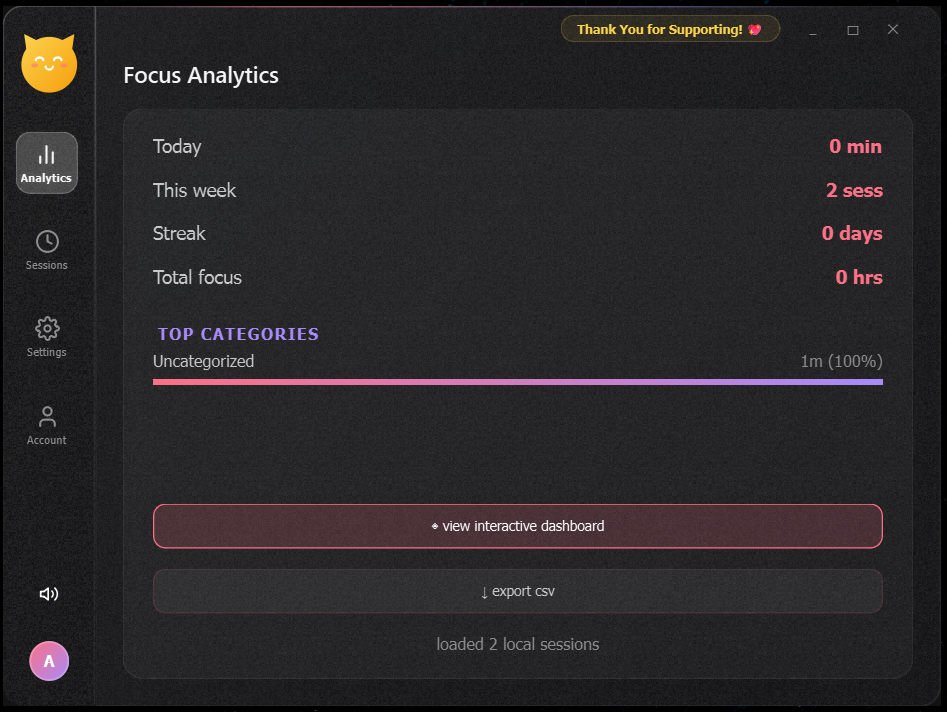
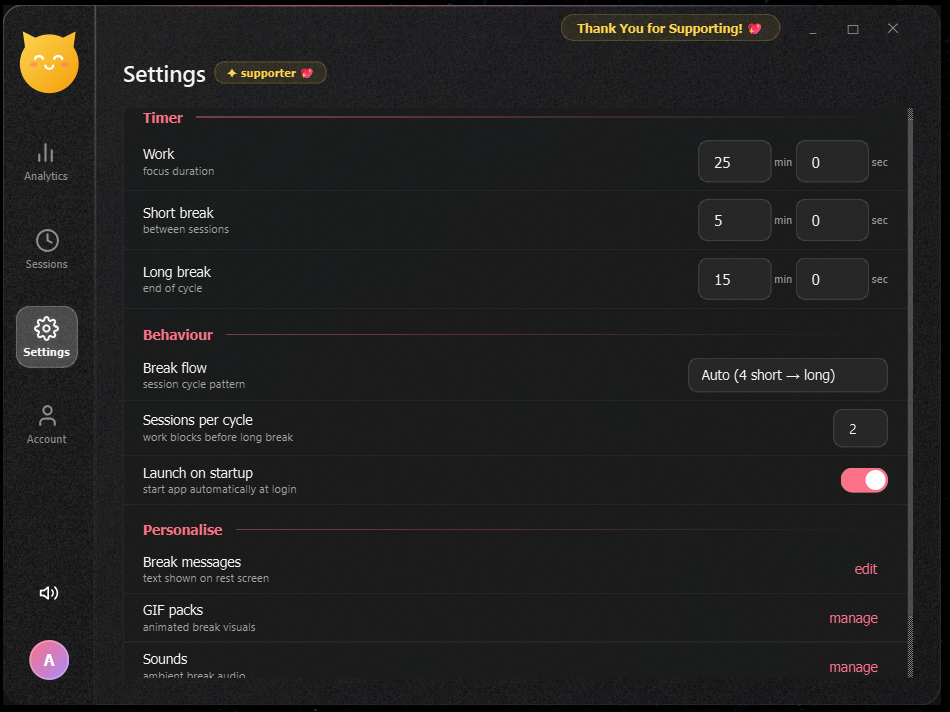
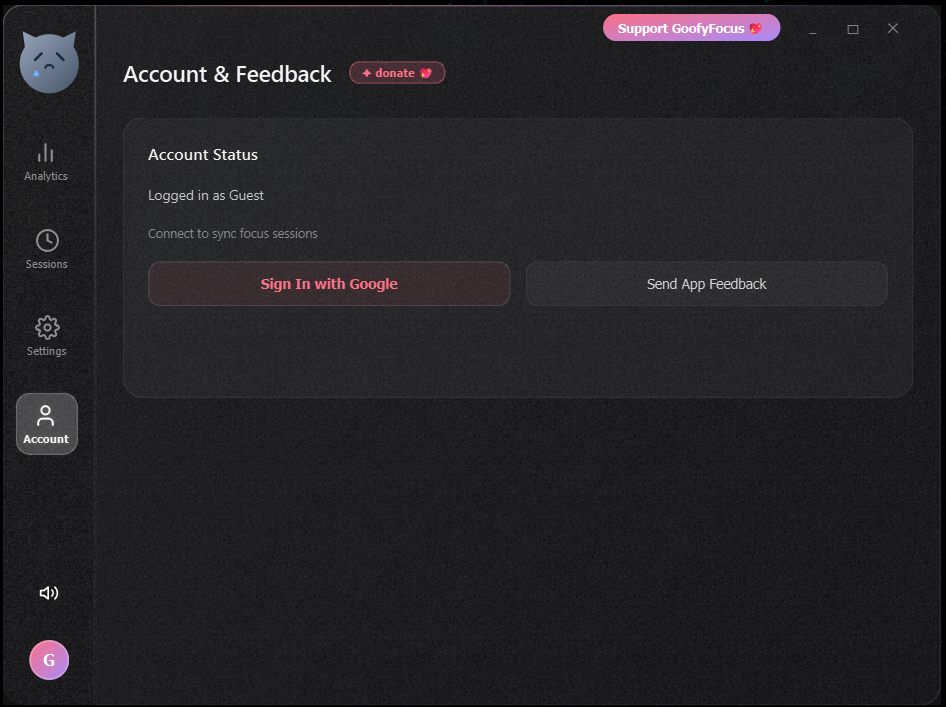
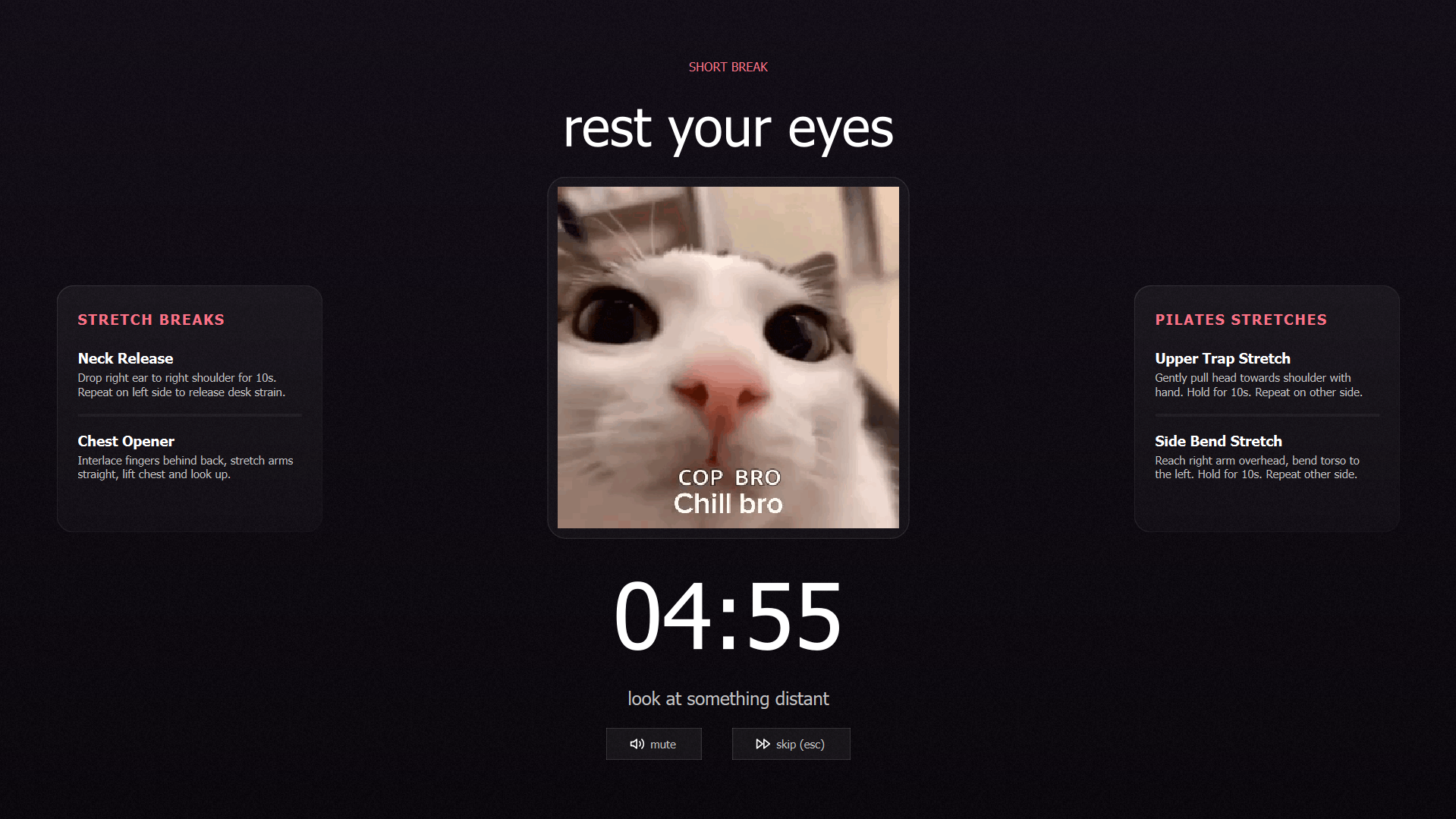
Sessions Screenshot Analytics Screenshot Settings Screenshot Account Screenshot Break Screen Screenshot
Sessions View
💡 The Story Behind GoofyFocus

Born Out of Necessity

Like many developers and creators, I had a bad habit of working and studying in long, continuous stretches without taking any breaks (forgetting to stretch or even grab a glass of water). Within a few days of this intense screen binding, I began experiencing health problems.

Realizing how easy it is to lose track of time when focused, I decided to build a reminder app that enforces scheduled pauses. But I wanted it to be delightful and non-intrusive—so I built GoofyFocus in a funky, lighthearted way to help us step back, stretch, and chill out for a bit.
Engineered for Healthy Habits

Designed to help you establish a sustainable routine without introducing user interface friction.

Smart Phase Timer

Automatically cycles between focused Work blocks (25m), Short Rest Breaks (5m), and restoring Long Breaks (15m) to maintain peak cognitive stamina.

Immersive Breaks

Enforces breaks with beautiful fullscreen canvas screens loaded with randomized local GIF themes and soothing white noise loops.

Jakob's Law UX

Conforms directly to standard desktop guidelines: title bar drag zones, closing hides to system tray, double-click maximization, and quick tooltips.

Focus Analytics

Interactive dashboard tracks session duration, categories, and success rates. Visualize coding, designing, and research targets side-by-side.

Google OAuth Sync

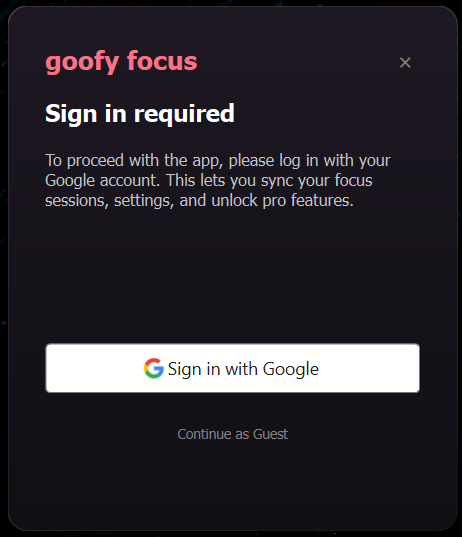
Secure, lightweight credentials validation to store focus metrics, custom timers, and profile details on cloud servers.

Single Instance Shield

Guarantees that only one lightweight timer process runs on your CPU, preventing event loops or duplicate window configurations.

Interact with the Live Timer

Experience the Pomodoro cycle behavior right inside your browser. Control phases and watch the circular progress respond dynamically.

Work Phase (25m)

Deep concentration block. Mutes notifications and prompts focus.

Break Phase (5m)

Rest your eyes. Stand up, stretch, and disconnect.

💡

When the work timer hits zero, the app prompts you to launch a fullscreen break to save you from screen fatigue.

WORK
25:00
Task: Coding

GoofyFocus is 100% Free & Source-Available

No subscriptions, no hidden features locked behind paywalls, and absolutely no data tracking. GoofyFocus is built with care for developer wellness. If it helps you live a healthier digital life, please consider supporting the project!

Get Started Today

Download GoofyFocus for Windows. Install standard executable or check release builds on GitHub.

🪟

Windows Installer

Easiest setup. Standard installer wraps core dependencies and configures system startup registry entries.

Direct Download (.exe)
📦

GitHub Release (v1.0.7)

Pre-compiled zip file containing binaries. Simply unzip and run GoofyFocus.exe instantly.

Direct Zip Download
System Requirements: Windows 10 / 11 (64-bit) • License: Source-Available Proprietary